3D Logo Generator
Convert a black and white stencil to a three-dimensional logo. The picture you provide is traced, simplified, and then extruded to give it depth.
Examples
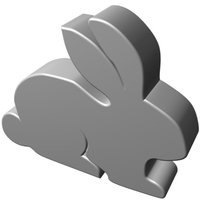
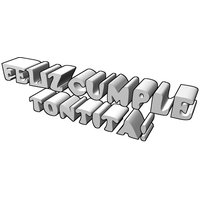
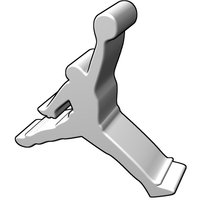
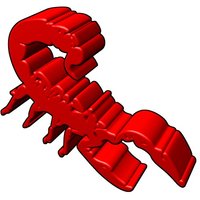
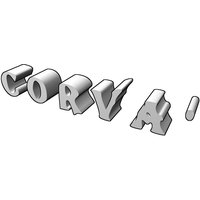
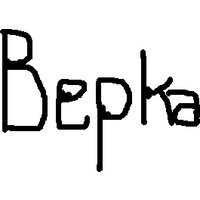
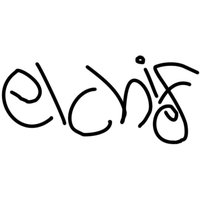
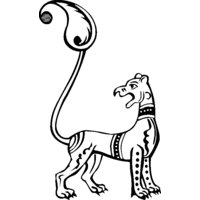
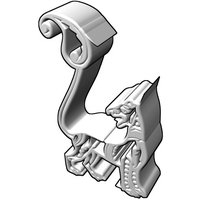
Here are some before-and-after examples. Uploaded image on the left, 3D result on the right:






































Customization
Fast, big
Slow, smaller, experimental
Your picture needs to be reasonably square or these will be cropped on one side right now.
Options
Want to customize the view, shading, or color in a way not shown here yet?
- Download the blend file we produced for this design.
- Download Blender, the free and open source program that'll let you modify the blend file however you please.
Tips
How good the result is depends on the nature of the picture you upload.
- For best results, use black and white only.
- Make sure your picture is in a commonly used format such as jpeg or png.
- Try to keep the picture to less than 1 MB in size.
- Try to keep the picture to less than 1000x1000 in dimension.
- If your picture contains fine detail you want preserved, we can't help you at the moment; that would place too great a load on our server for a free web service. You could check out the learning resources given below and try to make a 3D shape yourself with Inkscape and Blender.
Learning resources
Making a logo like we do here depends on two steps: tracing and extrusion. The outline of pictures can be traced to produce a set of curves using free tools such as Inkscape. The result can then be imported into Blender and the 2D curves converted into a 3D shape with a specified width.
- Learn to use Blender, and make your own 3D designs.
- Watch a video showing how to trace pictures with Inkscape and then load them in Blender.
- Read a tutorial on creating a logo in Blender.
- Use zify, a command line tool for tracing logos and using blender to render them.